Creating a cozy and productive home office space is essential for anyone working remotely or pursuing personal projects at home. A well-designed workspace can boost your mood, enhance focus, and make your workday more enjoyable. Whether you’re starting from scratch or improving an existing setup, these tips will help you create an environment that balances comfort and efficiency.
1. Choose the Right Location
Selecting the right spot for your home office is the first step toward productivity. Ideally, choose a space that is quiet and has minimal distractions. If possible, pick a room with a door to separate work from the rest of your home life.
Consider natural light
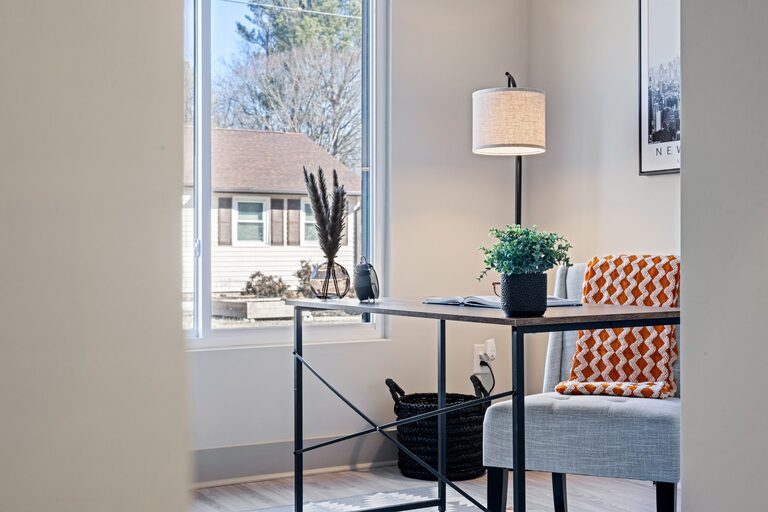
Natural light can improve your mood and energy levels. Set up your desk near a window to get sunlight during the day but avoid glare on your computer screen.
Evaluate noise levels
If your home is busy or noisy, consider using noise-cancelling headphones or adding soft furnishings like rugs and curtains to absorb sound.
2. Invest in Comfortable and Functional Furniture
Your furniture should support both your body and your work needs.
Ergonomic chair and desk
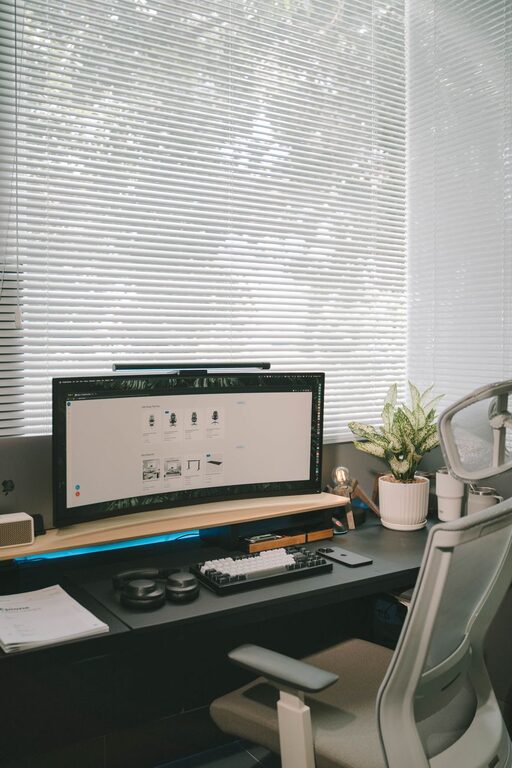
Choose an ergonomic chair that supports your back and promotes good posture. A desk with enough surface area for your computer, documents, and other essentials is important.
Adjustable desks or standing desk converters are great options if you like to switch between sitting and standing while working.
Proper desk organization
Use organizers, trays, or drawers to keep your desk clutter-free. This helps maintain focus and creates a tidier, more inviting workspace.
3. Create a Personalized and Inviting Atmosphere
A home office should feel inviting and comfortable to make you want to spend time there.
Use calming colors
Colors like soft blues, greens, or neutrals can promote calmness and focus. Avoid overly bright or distracting hues.
Add personal touches
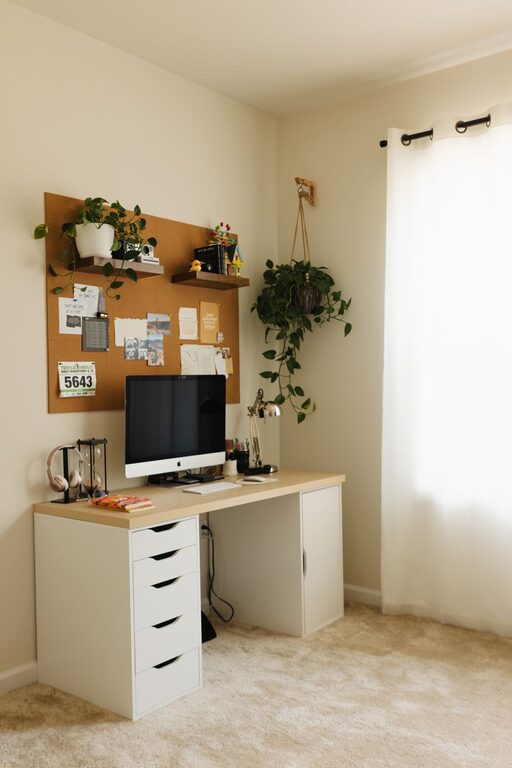
Incorporate items that inspire you, like photos, artwork, or plants. Plants not only add beauty but also improve air quality and reduce stress.
Lighting options
Layer your lighting to include task lighting, like a desk lamp for focused work, and ambient lighting for overall comfort.
4. Utilize Technology Wisely
Technology helps drive productivity but too much can lead to distractions.
Essential devices
Equip your office with necessary devices—a reliable computer, printer, headset, and good internet connection are foundational.
Manage cables and chargers
Use cable management tools to keep cords neat and out of the way. This keeps your space neat and prevents accidents.
Apps and tools
Use productivity apps or software like calendars, timers, and note-taking apps to stay organized and on task.
5. Organize for Efficiency
A cluttered workspace can decrease productivity and increase stress.
Storage solutions
Use shelves, filing cabinets, or wall-mounted organizers to store supplies and documents.
Daily and weekly routines
Set aside time to tidy your workspace regularly. Developing these habits ensures your space stays functional and inviting.
6. Set Boundaries Between Work and Home Life
Working from home can blur the lines between personal and professional time.
Define work hours
Establish clear working hours and communicate them with household members.
Physical boundaries
If possible, close the door or use a room divider to separate your office from the living area, helping you mentally shift between work and relaxation time.
7. Incorporate Comfort Features
Being comfortable can help you sustain focus for longer periods.
Temperature control
Ensure your workspace is well-ventilated, and invest in a fan or space heater for added comfort depending on the season.
Break area
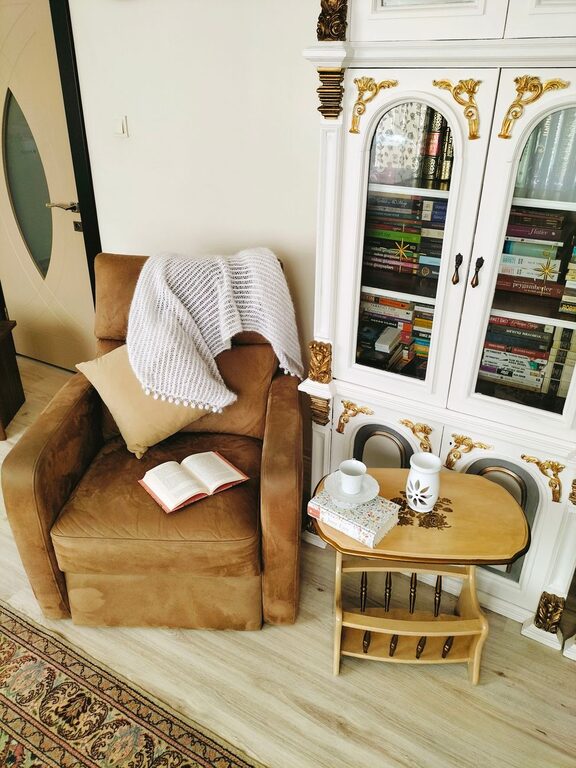
If space allows, include a small corner with a comfortable chair for short breaks away from your desk.
—
Creating a cozy and productive home office doesn’t need to be complicated or costly. Focus on lighting, comfort, organization, and clear boundaries to design a space that supports your work and well-being. With these tips, you’ll be on your way to a home office that feels just right for you.
About the Author